How to Check the Current App Version of eufySecurity
Modified on: Wed, 10 Dec, 2025 at 11:30 AM
Compatible with:
5-Piece Home Alarm Kit, Motion Sensor, Entry Sensor, Keypad, eufyCam 2 Pro, eufyCam 2C Pro, eufyCam 2, eufyCam 2C, eufyCam, eufyCam Solar Panel, SoloCam E40, SoloCam L40, SoloCam S230, Floodlight Cam 1080p, Floodlight Cam E 2K, Floodlight Cam 2 Pro, Smart Lock E130, Smart Lock C100, Smart Lock S230, Video Doorbell 2K (Wired), Video Doorbell 2K (Battery-Powered), eufy Security Video Doorbell 1080p (Battery-Powered), Video Doorbell Dual 2K (Battery-Powered), Indoor Cam 2K (Solo IndoorCam C24), Indoor Cam 2K Pan & Tilt (Solo IndoorCam P24), Outdoor Cam Pro (Solo OutdoorCam C24), Indoor Cam Mini 2K, S220 SoloCam, S100 Wall Light Cam, Solar Wall Light Cam S120, Smart Lock C210, Video Smart Lock E330, SoloCam C210, Video Doorbell E340
To find what version of the eufySecurity App you have, follow these steps.
1. Open the eufy App on your phone.
2. Tap on the avatar in the upper left corner of the main page and select Settings.
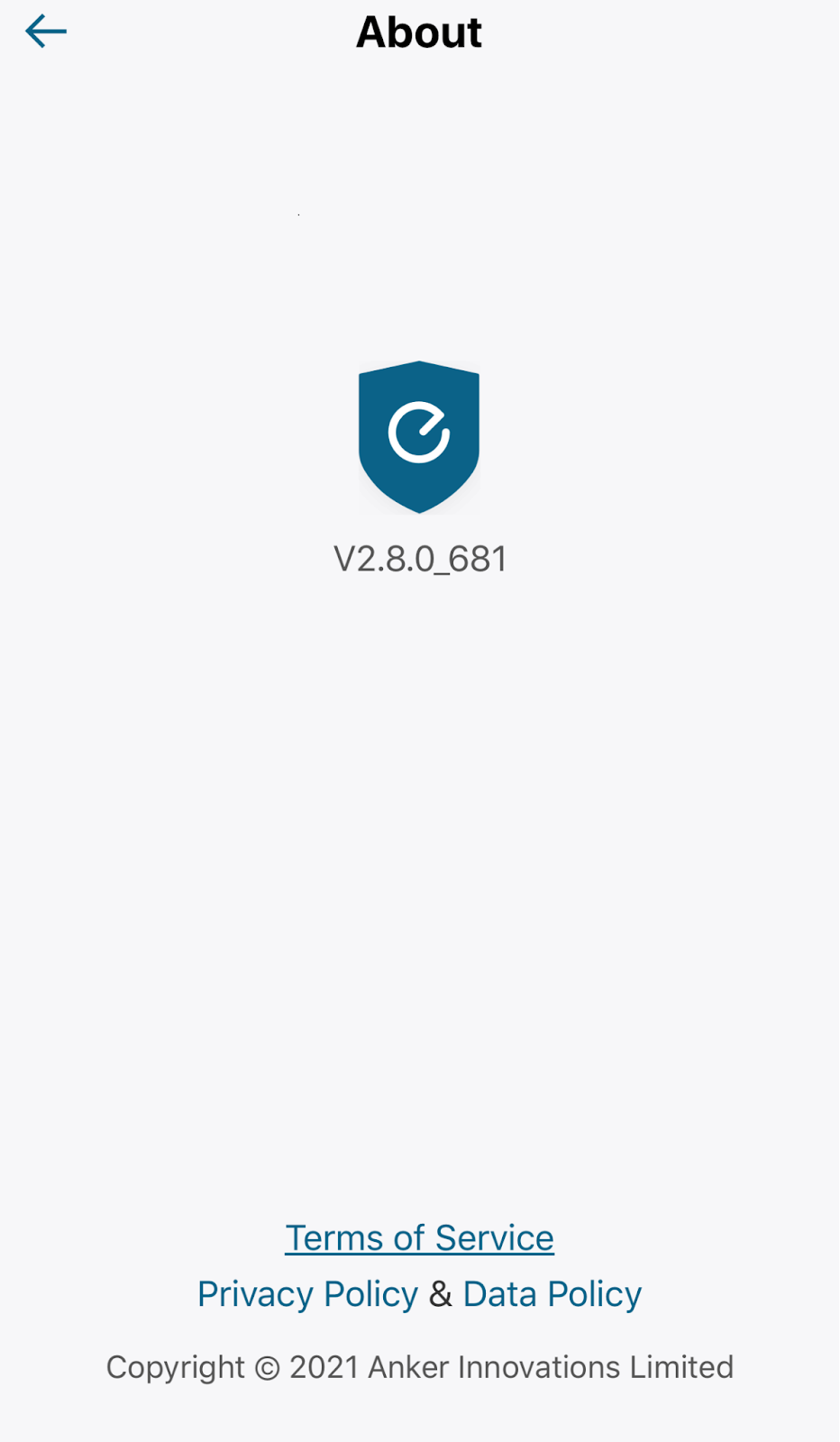
3. Tap on About.
4. Look for “vX.X.X_XXX” under the eufySecurity Logo.
To update the eufy App, you can go to the Apple Store or Google Play for new versions if applicable.
If you have any questions, please contact us for further assistance.
Was this article helpful?
That’s Great!
Thank you for your feedback
Sorry! We couldn't be helpful
Thank you for your feedback
Feedback sent
We appreciate your effort and will try to fix the article