Learn About the LED Indicator Light Status on eufy SoloCams
Modified on: Wed, 10 Dec, 2025 at 11:23 AM
Applicable to:
SoloCam E40, SoloCam L40, SoloCam S230, SoloCam S340, eufy SoloCam E30
All eufy devices have a LED indicator light that helps determine what state the device is in. The LED indicator light on eufy SoloCam is located in front of the SoloCams.


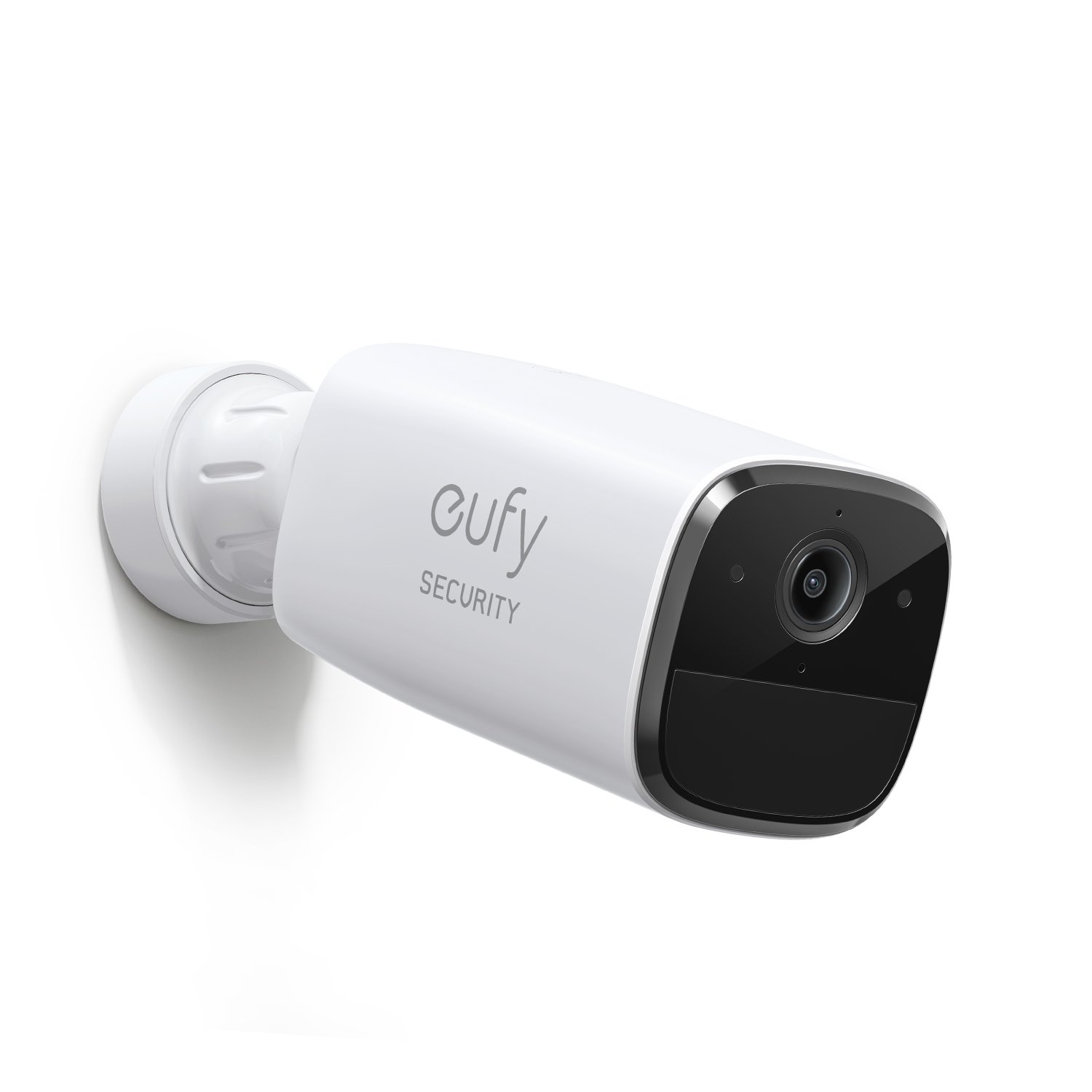
SoloCams LED Indicator Light Status and Its Meaning
If you still have questions regarding the LED indicator light status on eufy SoloCams, please contact us for further assistance.
Was this article helpful?
That’s Great!
Thank you for your feedback
Sorry! We couldn't be helpful
Thank you for your feedback
Feedback sent
We appreciate your effort and will try to fix the article